Static images capture a single frozen moment, but motion tells a complete story. Whether you’re a small business owner trying to boost social engagement, a content creator chasing fresh formats, or a parent who wants to bring family memories to life, transforming photos into videos has become one of the most accessible creative skills of 2025.
The good news? You no longer need expensive editing suites, years of training, or complex timelines to make it happen. Modern AI tools handle the heavy lifting, leaving you free to focus on the story you want to tell.
Why Photo-to-Video Content Dominates Modern Marketing
Short-form video continues to outperform static posts across every major platform. Studies from Wyzowl and HubSpot show that viewers retain 95% of a message when watched in a video, compared to just 10% when reading text. That gap explains why brands of every size are racing to convert their existing photo libraries into dynamic clips.
Beyond engagement, video content earns better placement in social algorithms, longer dwell times on landing pages, and stronger conversion rates in email campaigns. The challenge has always been production cost, until AI photo to video tools changed the equation.
Choosing the Right Tool for the Job
Not every conversion tool delivers the same quality. Some flatten images into basic slideshows, while others use generative AI to add genuine motion, depth, and cinematic flair. For creators who want broadcast-grade results without a learning curve, Pollo AI’s Photo Video Maker stands out by following a simple promise: one reference image, infinite possibilities. Upload a single photo, and the platform generates videos in any style you choose, no editing skills required.
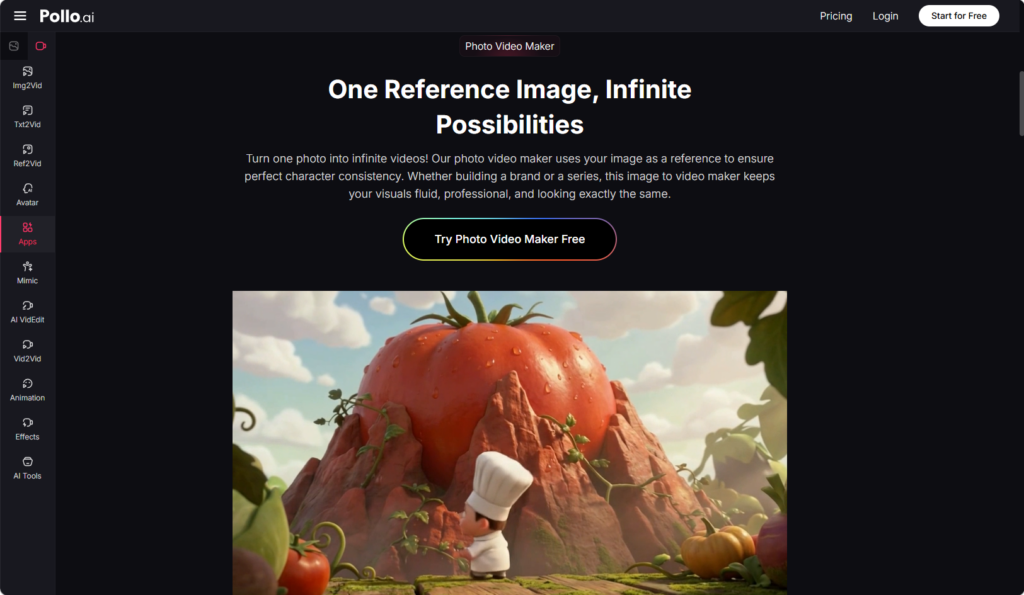
What makes this approach particularly useful is its flexibility across industries. A real estate agent can animate property shots, a fashion brand can bring lookbooks to life, and a wedding planner can convert event photos into shareable highlight reels, all using the same intuitive interface.
Step-by-Step: From Photo to Polished Video
Step 1: Select a High-Quality Source Image
Start with the sharpest photo you have. Resolution matters because the AI uses every pixel as reference data. Avoid heavily filtered or low-light shots when possible. Portrait orientation works well for TikTok and Reels, while landscape suits YouTube and Facebook.
Step 2: Define Your Creative Direction
Before uploading, decide on the mood. Do you want a slow cinematic pan, an energetic burst of motion, or a dreamlike floating effect? Writing a short description of your desired outcome helps the AI interpret your vision more accurately.
Step 3: Upload and Generate
Drag your image into the workspace and select your style preset. Within seconds, the system processes your file and produces a preview. Pollo AI’s Photo Video Maker delivers cinematic widescreen results suitable for everything from Instagram ads to YouTube intros, giving you professional output without manual keyframing.
Step 4: Refine the Output
Watch the preview carefully. If the motion feels too aggressive or the camera angle drifts, regenerate with adjusted parameters. Most creators find their ideal version within two or three attempts.
Step 5: Export and Distribute
Download your finished clip in MP4 format and publish directly to your chosen platform. Add captions, music, or branded overlays in any free editor if you want extra polish.
Creative Use Cases Across Industries
E-commerce sellers convert product photography into rotating showcase videos that increase listing conversions. Educators turn historical images into animated learning aids. Musicians animate album artwork for promotional teasers. The common thread is efficiency, hours of traditional video work compressed into minutes.
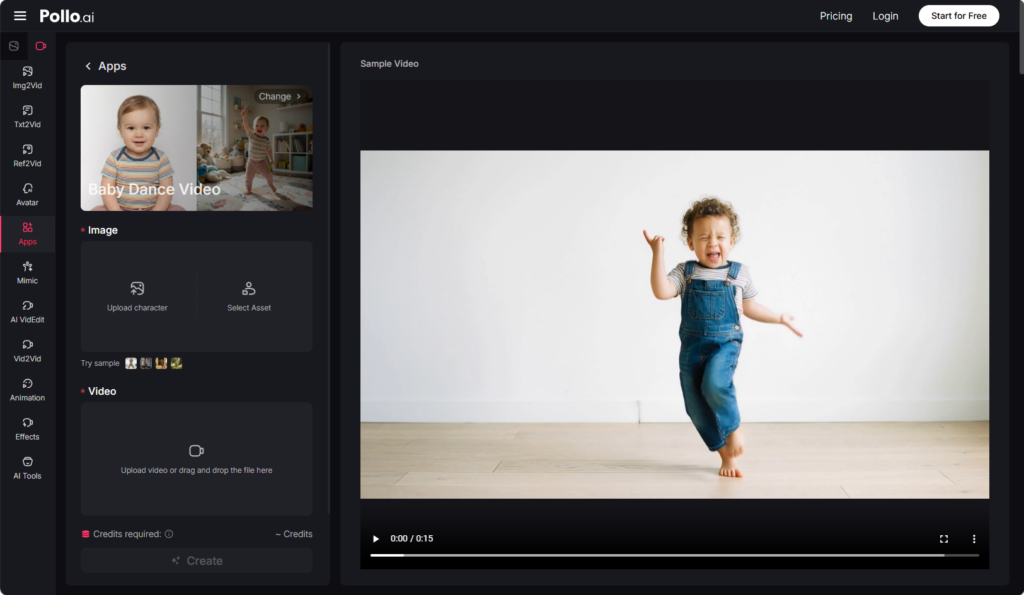
For creators focused on viral family content, the AI Baby Dance Video Generator opens an entirely different lane. Upload a baby photo, and the AI produces ultra-natural dance clips matched to any beat or style. Parents share these videos to capture millions of views, while marketers use them for emotional brand storytelling that drives genuine audience connection.
Tips for Maximizing Engagement
Hook viewers within the first second. Use crisp, expressive source images rather than crowded compositions. Match motion intensity to your platform: faster cuts for TikTok, smoother sweeps for LinkedIn or Vimeo. Pair generated clips with trending audio when relevant, and always include captions for sound-off viewing.
Test different style outputs from the same source photo. You’ll often discover that a single image can fuel an entire week of varied social posts.
Common Mistakes Beginners Should Avoid
Don’t upload blurry or pixelated photos expecting the AI to fix them. While Pollo AI’s Photo Video Maker delivers exceptional results, source quality still influences the final video. Avoid overusing dramatic effects on professional content, subtle motion often outperforms exaggerated animation in B2B contexts.
Another frequent error is ignoring aspect ratios. Plan your output dimensions before generating, since reformatting later may crop important details. Finally, resist the urge to publish your first attempt without review.
Building a Sustainable Content Workflow
Consistency wins on social media. Set aside one hour weekly to convert a batch of photos into video assets. Organize outputs by campaign, platform, and theme so you always have ready-to-post content. Many creators report that switching to AI-assisted video production tripled their posting frequency without adding stress.
For teams handling viral baby content, integrating the AI Baby Dance Video Generator into a weekly schedule produces predictable engagement spikes. The tool’s one-click generation means even non-designers can contribute to content calendars.
Final Thoughts
Photo-to-video conversion has crossed the threshold from novelty to necessity. Whether you’re growing a personal brand, scaling a business, or preserving precious memories, the ability to transform images into motion gives your content a measurable edge. Start with one photo today, experiment with different styles, and watch your storytelling reach new audiences faster than you imagined possible.